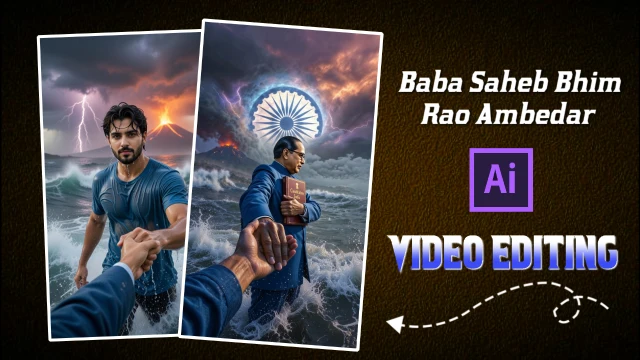
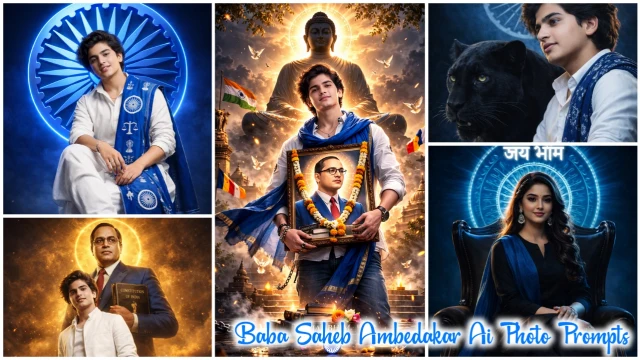
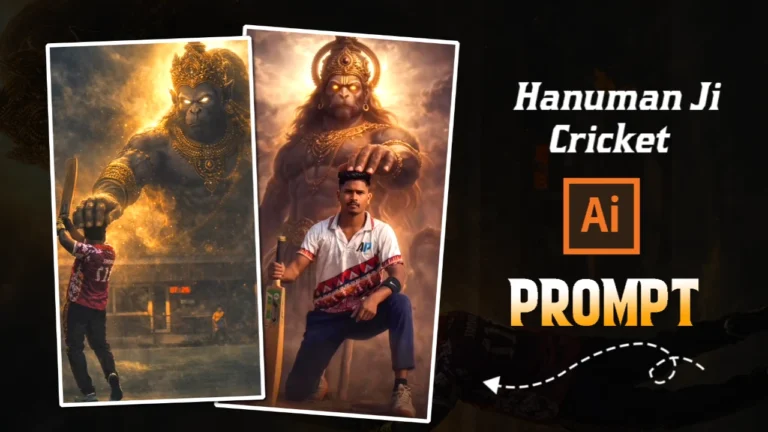
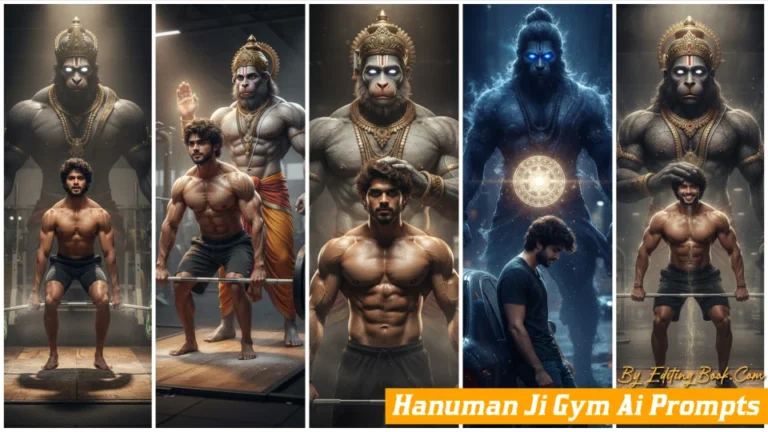
These days Ai videos of Lord Shiva are becoming very viral among creators and editors. In which Mahadev is holding the hand of his devotee, whose divine stormy look and cinematic effect is becoming a huge hit on social media. Following the same trend, we have given Lord Shiva Holding Hand Ai Prompts for you, so that you can create an AI image with Mahadev Ji. And you can make Reels / Shorts by converting it into a video. You can create your own unique craze by uploading it on social media platforms.
Image Prompts
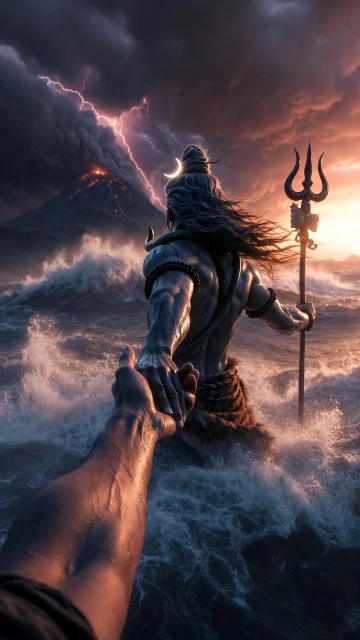
Back Seen Photo Prompt
A cinematic mythological scene from a first-person POV, Lord Shiva standing in a raging ocean during a cosmic storm, Shiva holding the viewer’s hand and pulling them forward, viewer’s hand like modern human hand eith no wearings and slim hand, lord shiva’s powerful muscular arm in focus, wet skin texture with detailed veins, ash-smeared body, long matted hair flowing in the wind, trident (Trishul) holding in his another hand, crescent moon in his hair, tiger-skin cloth around waist, and he is only visible from back side.
Massive waves crashing around, dark storm clouds, lightning striking the sky, glowing volcanic mountain erupting in the background, dramatic orange and purple sky, epic scale, divine aura, godly presence.
Ultra-realistic, cinematic lighting, shallow depth of field, motion blur on water, high contrast, volumetric fog, hyper-detailed skin and environment, image in 9:16 ratio, 8K, photorealistic, movie still, epic fantasy realism.
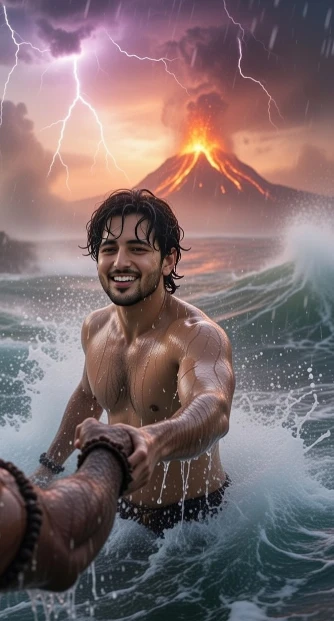
Your Photo Prompt
A cinematic mythological scene from a first-person POV, make me standing in a raging ocean during a cosmic storm and fully drenched, lord Shiva right hand holding the my right hand and pulling me forward, lord shiva’s powerful muscular arm in focus, wet skin texture with detailed veins. Make only lord Shiva’s hand visible in frame.
Massive waves crashing around, dark storm clouds, lightning striking the sky, glowing volcanic mountain erupting in the background, dramatic orange and purple sky, epic scale, divine aura, godly presence.
Ultra-realistic, cinematic lighting, shallow depth of field, motion blur on water, high contrast, volumetric fog and dark sky, hyper-detailed skin and environment, image in 9:16 ratio, 8K, photorealistic, movie still, epic fantasy realism.
How To Create Lord Shiva Holding Hand Ai Photos?
So first of all you have to make a Lord Shiva Holding Hand Ai Photo, so let us know with the help of the tips given below how to make a Lord Shiva Holding Hand AI Photo.
- So first of all you have to copy the prompt given in the image and click on the “Create Image” button given below it.
- Now Grok Ai will open. You have to click on the (+) icon. And upload a good selfie of yours.
- You have to click in the text box given below. And paste the prompt there and send it.
- Now the image will be created in some time, then you download that image.
Video Prompt
Final Video Prompt
Create a single continuous cinematic shot using the two uploaded images as the start and end reference. The video begins in a first-person POV. The camera shows only the front person’s shoulder, arm, and hand holding the viewer’s hand. The camera moves forward naturally, as if the viewer is walking through ocean waves.
Water splashes, rain falls, lightning flashes, and a volcano erupts in the background. Without any cuts or scene changes, the camera smoothly moves around the subject in one fluid motion, maintaining the hand-holding connection. The movement feels like a natural body-mounted camera (steady but realistic). As the camera completes the movement, it ends facing me, fully revealing my face and body while I continue walking forward through the water, still holding the viewer’s hand. Technical Style: Single take, one-shot camera, no cuts, no jumps, smooth cinematic motion, realistic physics, slow motion water splashes, dramatic lighting, ultra-realistic textures, epic storm atmosphere, 4K cinematic quality, natural human movement, stable focus, no flicker.
How To Create Lord Shiva Holding Hand Ai Videos?
Making Lord Shiva holding hand Ai video is now very easy because we have already created its image, you just have to proceed further in making video with those two images, so let us understand how to make this video with the help of the tips given below.
- So first of all you copy the video prompt given below. And below that click on “Create video Button”
- Now Google Flow website will open, click on “Text To Video” and click on “Frame To Video”.
- Now upload the photo you made with Grok Ai by clicking on the (+) icon given below.
- You paste the prompt instead of text and send it. Lord Shiva Holding Hand Ai Video will be created in some time and then you can download it
Conclusion
This is how you can use a normal photo to create this viral video, in which Mahadev is holding his devotee by the hand. I hope this information was helpful to you, as I’ve explained everything in detail using my editing knowledge, and also provided AI prompts for the photos and videos.