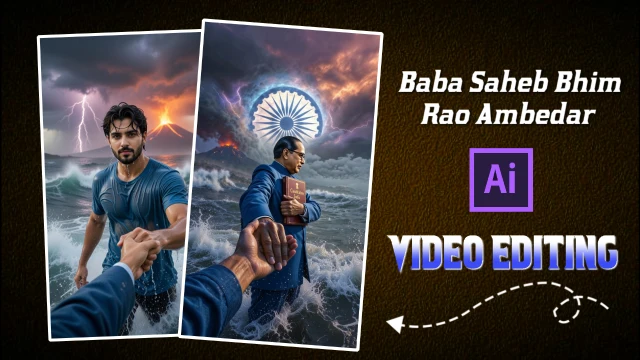
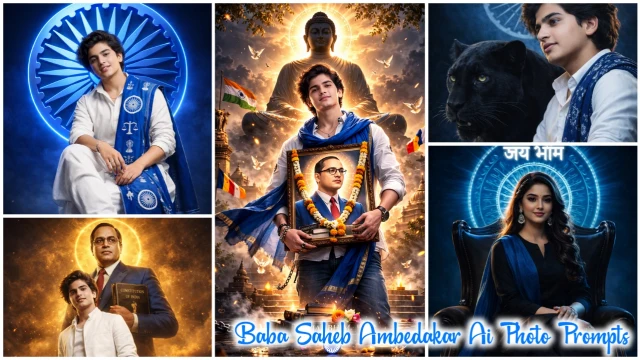
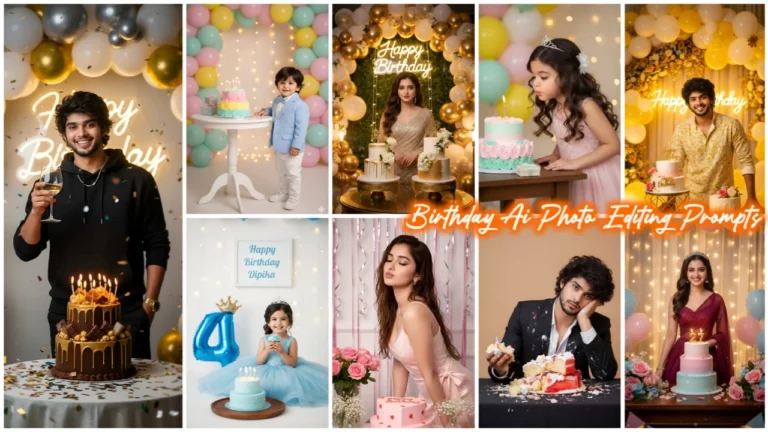
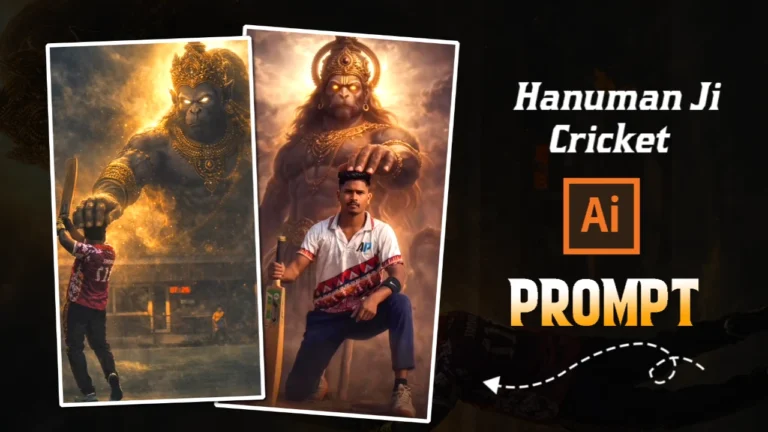
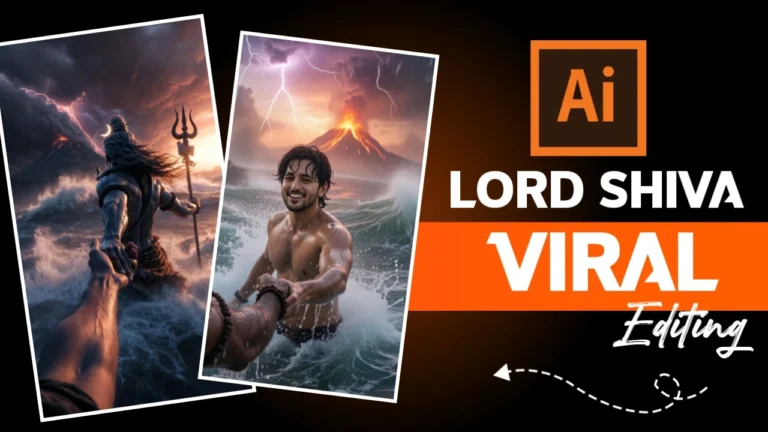
Friends, these days a video is going viral on social media, you might have seen this video. Making this video is very easy, because AI has made all types of video editing easy. However, I am going to tell you a very easy way to edit this video. If you want to know what I am talking about, then I suggest you read this article carefully. I will explain you step by step. The result will be perfect, and you will get 100% great results.
Details Of God Car Driving Ai Prompt Video Editing
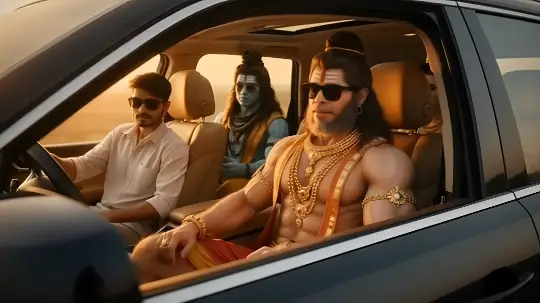
Friends, this editing is very amazing, after seeing it you will be shocked and will wonder whether such editing is also possible. The editing has been done in such a way that it seems as if the gods are driving the car, and not just one but many gods are sitting there. And your character is also sitting in it. This is a bit strange. So I thought, why not give a prompt to make this AI video and teach how to make it. After the advent of AI, making such videos has become very easy. To make this video, first of all you have to create an image and then make a video from that image. So let’s start.
God Image Prompt
1Create a cinematic ultra realistic image of me. I am sitting inside a modern luxury SUV car during golden hour sunset. The car windows are open and warm sunlight fills the cabin. Beside me and behind me are Hindu gods Hanuman Ji Shiv Ji and Krishna Ji in divine human form. Hanuman Ji has powerful physique golden ornaments and sacred tilak. Shiv Ji has ash marks on forehead rudraksha beads flowing hair and calm divine expression. Krishna Ji has blue skin peacock feather crown elegant jewelry and peaceful smile. All characters are wearing stylish black sunglasses giving a cool modern modern vibe while maintaining divine aura. Camera angle is side window cinematic framing showing full car door window and reflections. Soft sunset lighting realistic skin texture natural shadows depth of field polished car reflections cinematic color grading sharp focus photorealistic 8K ultra detail high realism no blur no distortion no artifacts.
How To Create God Driving Ai Photo?
So first of all you have to make a God Car Driving AI Photo, so let us know with the help of the tips given below how to make a God Car Driving AI Photo.
- So first of all you have to copy the prompt given in the image and click on the “Create Image” button given below it.
- Now Google Gemini will open. You have to click on the (+) icon. And upload a good selfie of yours.
- You have to click in the text box given below. And paste the prompt there and send it.
- Now the image will be created in some time, then you download that image.
God Driving Video Prompt
1 Generate a hyper-realistic cinematic video using the uploaded reference image only. CRITICAL FACE IDENTITY LOCK: Facial structure must remain 100% identical to the reference image No face reshaping, no beautification Geometry, proportions, and features must stay fixed MICRO EXPRESSION (VERY SUBTLE): Add a barely noticeable micro-smile Smile intensity 2–3% only No teeth visible Lips remain closed No lip corner stretch Expression should feel like inner happiness, not an obvious smile Face should still look almost neutral ENJOYMENT THROUGH BODY LANGUAGE: Gentle rhythmic head-nod (pitch rotation ±6–8 degrees) Soft shoulder bounce synced to beat Slight upper torso sway Rap / DJ remix enjoyment vibe Characters & Seating (unchanged): Driver: Lord Shiva Front passenger: uploaded human Back middle: Hanuman Ji Back right: Vishnu Ji All four characters share the same micro-smile + rhythmic movement, enjoying the music calmly. Camera: Front dashboard view Slow cinematic push-in toward windshield Single continuous shot Lighting & Mood: Warm golden sunset light Cinematic reflections Negative Prompt: Strong smile, teeth showing, expression change, laughing, talking, lip movement, face deformation, identity loss. Duration: 6–8 seconds Aspect ratio: 9:16 Style: Ultra-realistic cinematic
How To Create God Driving Ai Video?
Making God Car Driving AI video is now very easy because we have already created its image, so let us understand how to make this video with the help of the tips given below.
- So first of all you copy the video prompt given below. And below that click on “Create Button”
- Now Google Flow website will open, click on “Text To Video” and click on “Frame To Video”.
- Now upload the photo you made with Google Gemini by clicking on the (+) icon given below.
- You paste the prompt instead of text and send it. Your God Car Driving Ai Video will be created in some time and then you can download it
Conclusion
Nowadays it is very easy for you to create such viral videos using AI. I have given you all the information to make this video, by making a video or photo using this prompt you will get 100% real result. So how did you like this article? Do tell in the comments.