Nowadays many people make sad reels on social media. And want to express their pain or emotions through video, but many people do not know editing, they have to face a lot of problems as soon as they start editing. Newcomers face the biggest problem because it takes a lot of time to understand effects and animation in editing.
But don’t worry. Now with the help of Capcut Template and VN Template, video editing has become easier than before. In today’s time, with the help of VN Template, all types of editing like Instagram trending reels, sad video editing, move on reels, cinematic editing can be done in minutes. Now editing any kind of sad reels has now become easy for all of us. You no longer need to know the hard stuff about video editing. Now you can easily express your feelings through videos.
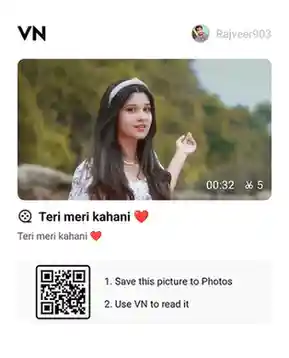
Sad VN Template (Qr Code)
Sad VN codes or templates are designed in such a way that videos with sad, sad, nostalgic and tender emotions look more real and heart touching. These templates use slow motion, smooth transitions, spectacular lighting, and cool background effects. This creates an emotion in the mind of the person watching the video.
The best thing about this vn code or template is that everything is already designed in it. Like – place of photo, place of video, place of text, everything is already ready. In this the user just has to add his clip and the trending video will be ready. In this Sad VN Code, effects have been used that express emotions in a beautiful way. These templates are great for both new users or professionals.
Template (2)
How To Use Sad VN Template?
Using the Sad VN Template is extremely simple. Even if you have never done any type of video editing before, don’t worry. Because by using vn code anyone can create a good and awesome sad reel in very less time. It does not require any special technical knowledge. Just follow the easy steps given below carefully. And start creating video using vn code.
- First download your favorite code from the above sad vn codes.
- After this install VN app in your phone. This app will be easily available on Play Store.
- After this open the app and click on the scan option given above to use the QR code.
- Now your gallery will open, select your vn code from here.
- Now after this the video will open, click on “Download” button and click on “Use Template”.
- Now your phone’s gallery will open, from here you have to select your photo or video and click on it.
- Now after clicking on the Nest button, your final video will be ready and then you can save it.
Conclusion
Complete information about Sad VN template is given in detail in this article. It explains what the template is, how to download it and how to create a sad video with its help in just one click. Anyone can make an attractive and professional video by following all the steps.